

How Docker Saved Gigabytes of My SSD on Windows (No More Local Installs)
Discover how Docker helped me save gigabytes of SSD space on Windows by eliminating the need to install PostgreSQL and Redis locally, using just a simple docker-compose setup.
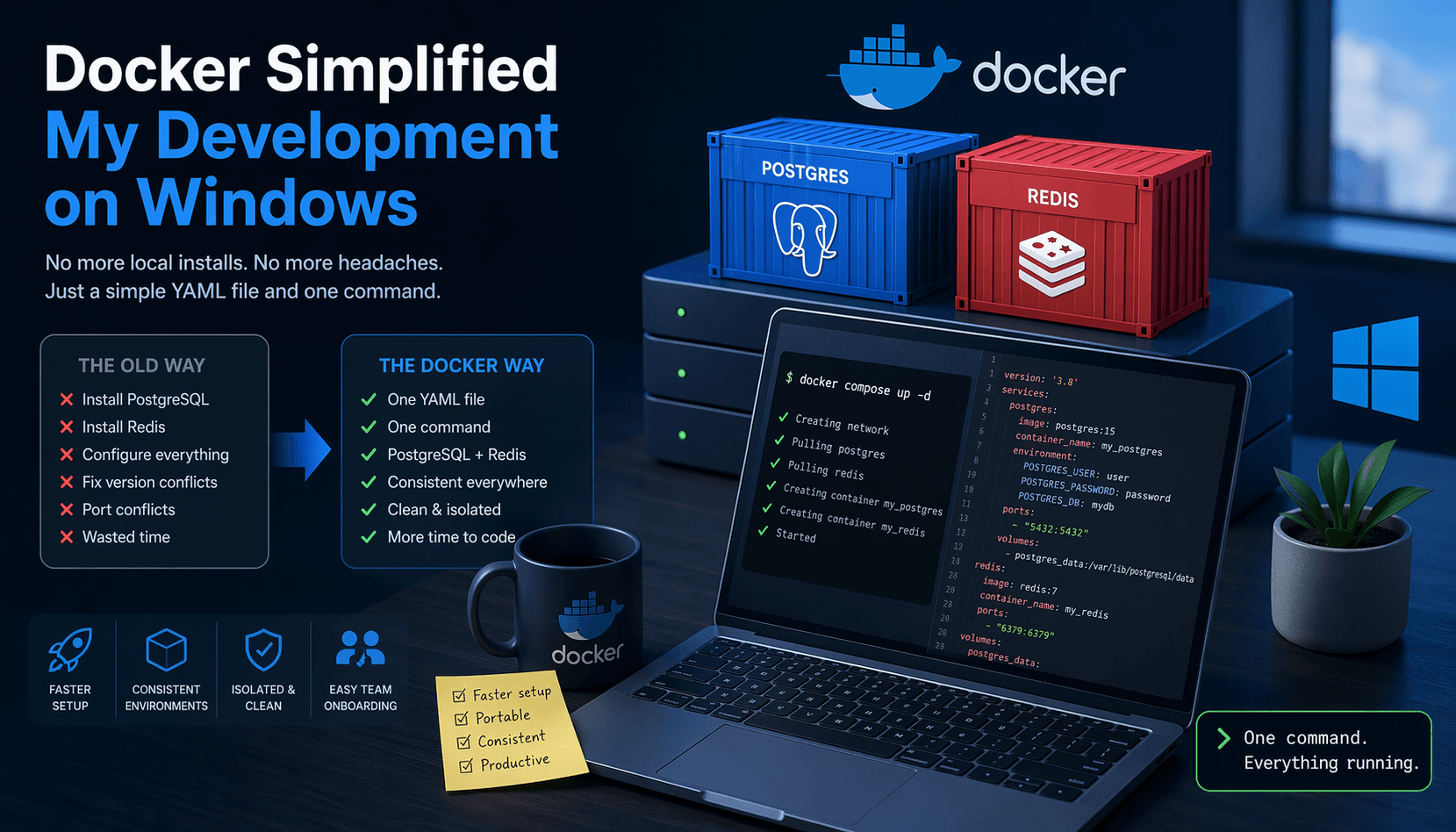
From Setup Hell to One Command: How Docker Saved My SSD on Windows
If you’ve ever done backend development on Windows, you probably know the pain of setting things up locally.
But for me, the bigger problem wasn’t just the setup…
It was how much space everything was quietly consuming.
PostgreSQL. Redis. Multiple versions. Random leftover files. Broken reinstalls.
Over time, my system wasn’t just messy—it was bloated.
And I didn’t even realize how many gigabytes I was wasting until I stopped installing everything locally.
💥 The Real Cost of “Local Setup”
Here’s what my typical workflow used to look like:
Install PostgreSQL manually
Install Redis separately
Set up users, passwords, and configs
Make sure services start correctly
Deal with port conflicts
Debug random issues when something stops working
And behind the scenes?
Each service taking up disk space
Old data lingering after uninstall
Multiple versions across projects
System gradually slowing down
Every time I switched projects or reset my system, I had to repeat the process.
And each time, my SSD paid the price.
🐳 The Shift to Docker
Everything changed when I started using Docker.
Instead of installing PostgreSQL and Redis on my machine, I ran them inside containers.
That meant:
No more local installations
No more hidden disk usage from services
No leftover files after uninstall
No system clutter building up over time
Now, everything runs in isolated containers—and when I’m done, they’re gone.
Clean. Simple. Controlled.
⚙️ My Simple Docker Setup
I created a single docker-compose.yml file to define everything:
version: "3.8"

services:
  postgres:
    image: postgres:15
    container_name: my_postgres
    environment:
      POSTGRES_USER: user
      POSTGRES_PASSWORD: password
      POSTGRES_DB: mydb
    ports:
      - "5432:5432"
    volumes:
      - postgres_data:/var/lib/postgresql/data

  redis:
    image: redis:7
    container_name: my_redis
    ports:
      - "6379:6379"

volumes:
  postgres_data:
⚡ One Command to Run Everything
Once the file is in place, starting everything becomes ridiculously simple:
docker compose up -dThat’s it.
Docker:
pulls the images
creates the containers
sets up networking
starts PostgreSQL and Redis
All without installing anything on my system.
🎯 Why This Changed Everything
This wasn’t just about convenience—it changed how I use my machine.
1. 💾 Massive Space Savings
No more heavy local installations eating up SSD space.
2. 🧼 Clean System
No leftover files, no hidden services, no clutter.
3. 🔁 Disposable Environments
Need to reset everything?
docker compose down -vAnd it’s completely gone—like it never existed.
4. ⚡ Faster Project Switching
Different project? Different setup? No problem.
Just spin up what you need.
5. 🧠 Less Mental Overhead
No more worrying about:
versions
configs
broken installs
🧠 The Bigger Mindset Shift
The biggest realization wasn’t just about Docker.
It was this:
I don’t need to install services anymore—I can run them when I need them.
That changes how you think about your machine.
Your development environment becomes:
temporary
reproducible
ightweight
And most importantly—it stops polluting your system.
🚀 Final Thoughts
If you’re still installing PostgreSQL, Redis, or other services locally on Windows, you’re not just dealing with setup pain—
you’re slowly filling up your system with things you don’t actually need long-term.
Start small.
Define your services in a docker-compose.yml and run:
docker compose up -dOne command is enough.
No installs, No clutter and a lot more free space on your SSD.
Enjoyed this post?
Follow Linux City Stories to get notified of new posts.
Do you intend to write blog posts yourself?
Click hereHave a Question?
Please log in to ask the author directly.
Comments
No comments yet. Be the first to share your thoughts!