

Thirty minutes after going public, my server logs looked like a crime scene.
I deployed to Railway and panicked at the logs. WordPress bots, phishing kit scanners, ID enumeration — and then the real problem hit. It was DNS all along.
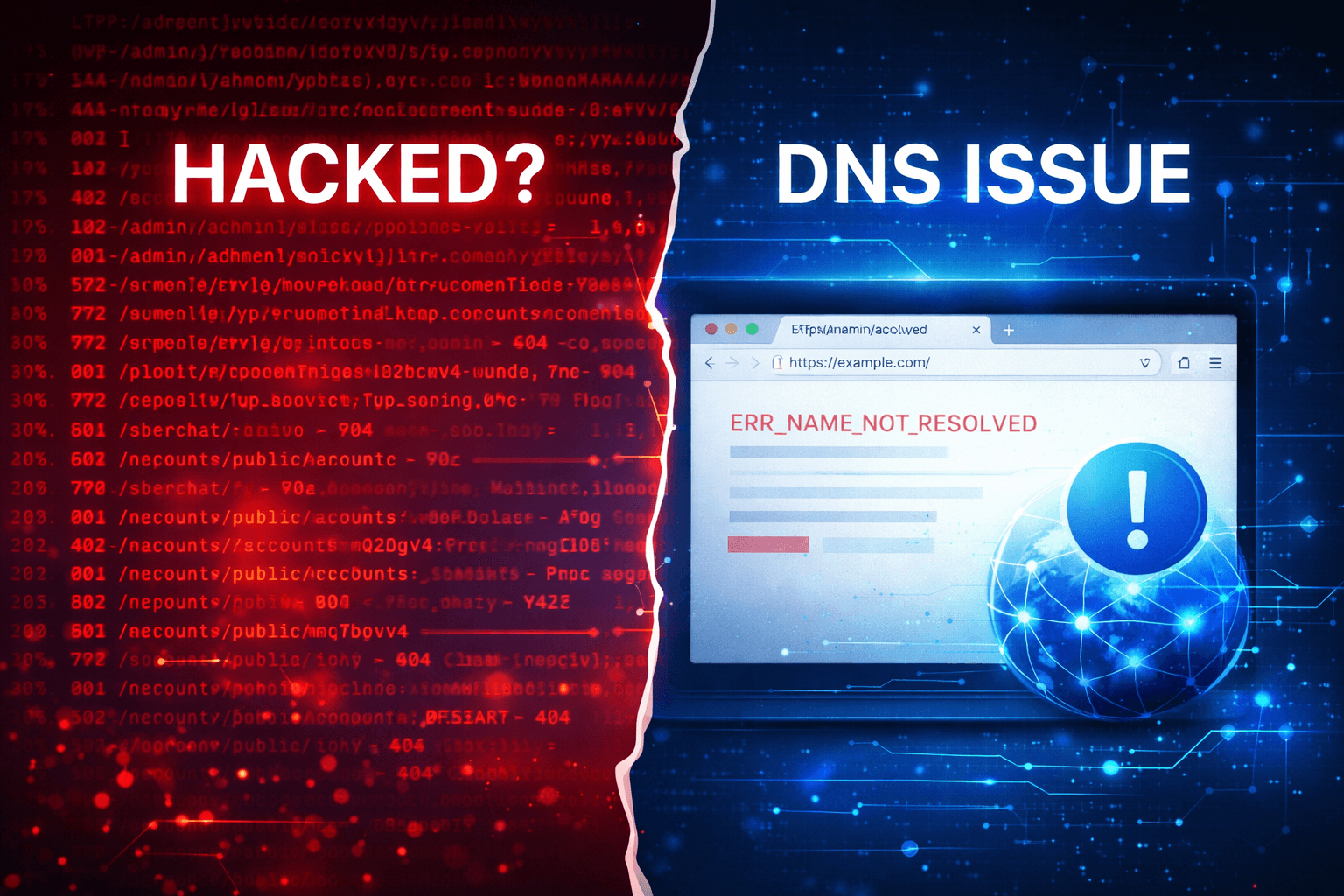
I Thought My Server Was Hacked. It Wasn’t.
I recently deployed my FastAPI backend to Railway (Paid Tier). The dashboard was green, the deployment was successful, and everything looked perfect.
Then I opened the server logs.
The "Evidence"
I saw a flood of requests for paths I never created. There were .php files hitting a Python app and weird strings like sberchat. My first instinct? "I've been hacked."

Notice the timestamp — four different paths, same second. No human does that. This is a bot firing a salvo and moving on.
Mar 19 2026 17:56:41   GET   /blogs/by/wp-admin/setup-config.php        404   696ms
Mar 19 2026 17:59:52   GET   /blogs/by/wordpress/wp-admin               404   966ms
Mar 19 2026 17:59:52   GET   /store/public/by/wordpress                 404   990ms
Mar 19 2026 17:59:52   GET   /posts/by/wordpress/wp-admin/setup-config  404   1s
Mar 19 2026 17:59:52   GET   /posts/by/wordpress/wp-admin/setup-config  404   1s
Mar 19 2026 17:59:56   GET   /posts/by/wordpress/wp-admin/setup-config  404   448ms
Mar 19 2026 18:00:31   GET   /blogs/by/wp-admin/setup-config.php        404   898ms
What Was Actually Happening?
After the initial panic, I realized these weren't targeted attacks. They were automated bots casting a wide net across the internet.
1. WordPress & PHP Scanners
Bots scan every public IP constantly, looking for /wp-admin/setup-config.php. They are searching for misconfigured WordPress sites to leak database credentials. Since I’m running FastAPI (Python), my server returned a 404, and the bot moved on. This is pure background noise.
2. "Sberchat" TDS Probes
"Sberchat" refers to a Russian banking phishing kit. These bots aren't trying to hack me; they are looking for their own phishing kits that might already be installed on compromised servers. They were just checking if my server was a "workmate" in their scheme. Again—404. Not my problem.
3. Account Enumeration
This one was slightly more relevant. A bot was brute-forcing random IDs against my /accounts/public/{id} endpoint. I noticed a retry pattern (the same ID hit twice), suggesting a persistent crawler. While it only found 404s, it was a solid reminder to implement rate limiting using Redis.
The Plot Twist: The Invisible Problem
While I was busy investigating these "hackers," I tried to log into my own app using my Mobile Hotspot. That’s when I saw the actual issue in the browser console.

The Railway dashboard was green. The logs showed the bots were hitting the server just fine. So why was I getting a Network Error?
DNS: The Hidden Culprit
Every time your browser visits a URL, it asks a DNS server for the IP address. By using a Mobile Hotspot, I was relying on my carrier's DNS. I ran a quick check: resolvectl status | grep -A3 "Link 2"
The result? The DNS was failing to resolve Railway’s domain. It had a stale cache entry, meaning the rest of the world could see my app, but I was shouting into a void.
The Fix
I switched my active network interface to use Google’s DNS: sudo resolvectl dns 2 8.8.8.8 8.8.4.4
After a hard refresh, the login worked immediately.
Note: This command resets on reboot. For a permanent fix on Linux, head to Settings → Network → WiFi → IPv4 and manually set your DNS to
8.8.8.8and8.8.4.4.
How to Read Your Logs Without Panicking
Understand the noise: If you see /wp-admin hits or .php file probes on a Python/Go/Node app, ignore them. These are blind scanners. Similarly, sberchat paths are just looking for existing phishing kits.
Watch the status codes: If your server is returning 404, it is handling the situation correctly. Do not leak information with 403 (Forbidden) or 500 (Server Error) for paths that shouldn't exist.
Verify the connection: If you see ERR_NAME_NOT_RESOLVED, don't assume the server is down. Test the resolution with nslookup <your-domain> 8.8.8.8 to see if it's a local DNS or Hotspot issue.
The Real Security Takeaways:
Rate limit any endpoints that accept arbitrary user IDs.
Return 404s for unknown paths to keep your tech stack's footprint small.
Don't trust your ISP's (or Carrier's) DNS. Using
8.8.8.8or1.1.1.1is generally more reliable for developers.
The logs looked like a crime scene, but the server was fine. My ISP was the only real culprit.
This post contains affiliate links. If you purchase through these links I may earn a small commission at no extra cost to you.
Enjoyed this post?
Follow Linux City Stories to get notified of new posts.
Do you intend to write blog posts yourself?
Click hereHave a Question?
Please log in to ask the author directly.
Comments
No comments yet. Be the first to share your thoughts!